AI-added vs AI-first
Most helpdesks started as ticket systems. Email in, ticket out, agent resolves. AI arrived later — first as chatbots, then as copilots, then as add-ons with separate pricing.
The result is a bolted-on experience. The AI sits next to the helpdesk, not inside it. You pay extra for it. You enable it per feature. You configure it separately.
Aurion CS took a different path. Every feature was designed with AI at its center from day one. There is no "AI add-on" because there is no version of the product without AI.
What AI-first looks like in practice
The copilot is not optional
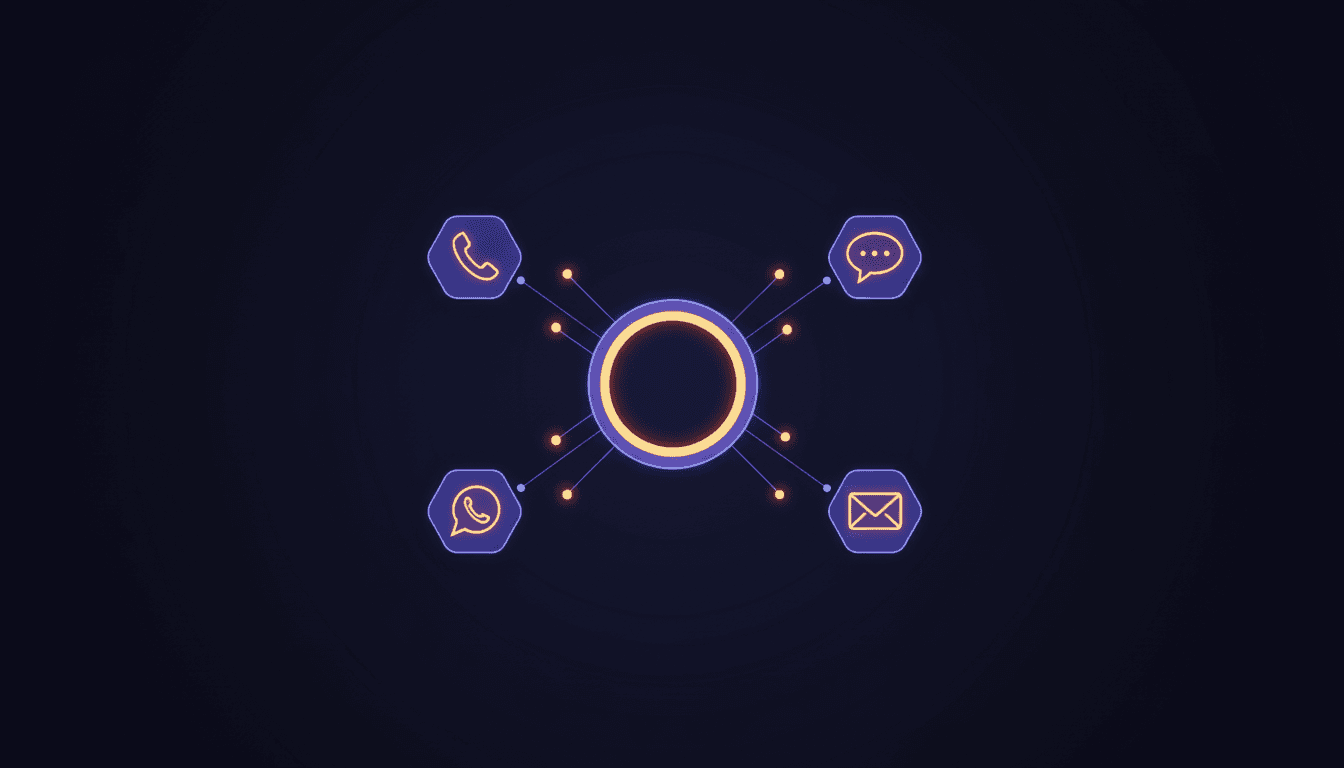
When a conversation arrives — chat, email, or voice — the AI copilot is already working. It reads the message, categorizes the intent, searches the knowledge base, and drafts a response. The agent sees the draft, edits if needed, and sends.
This is not a sidebar feature you enable in settings. It is how the inbox works.
Voice calls get the same AI
The biggest gap in most helpdesks is the phone. Chat gets AI. Email gets AI. But when a customer calls, they get hold music and a human agent.
Aurion CS's voice AI answers phone calls with the same intelligence that powers chat and email. Sub-second latency. Natural conversation. The AI authenticates the caller, searches articles, creates tickets, and resolves issues — all during a live call.
The voice channel is not a separate product. It is the same AI, the same knowledge base, the same ticket system.
Knowledge base articles write themselves
Traditional KB workflow: an agent writes an article, formats it, publishes it. With Aurion CS, you upload a document — PDF, DOCX, Markdown, plain text — and the AI structures it into a publishable article.
The pipeline runs through three layers: a primary LLM parses and structures, a failover LLM catches errors, and a deterministic fallback ensures the article always publishes. The result is a properly formatted, verified knowledge base article ready for your help center.
Auto-categorization without rules
Most helpdesks use rule-based categorization: if the subject contains "password," set category to "Access." These rules break constantly and require manual maintenance.
Aurion CS uses LLM-based categorization. The AI reads the full conversation context and assigns category, priority, and tags based on meaning, not keywords. No rules to maintain.
CSAT that understands context
Surveys are sent automatically after resolution. But the AI also analyzes the conversation to flag sentiment issues before a bad CSAT score arrives. If a conversation shows signs of frustration, the system surfaces it for review.
The architecture behind AI-first
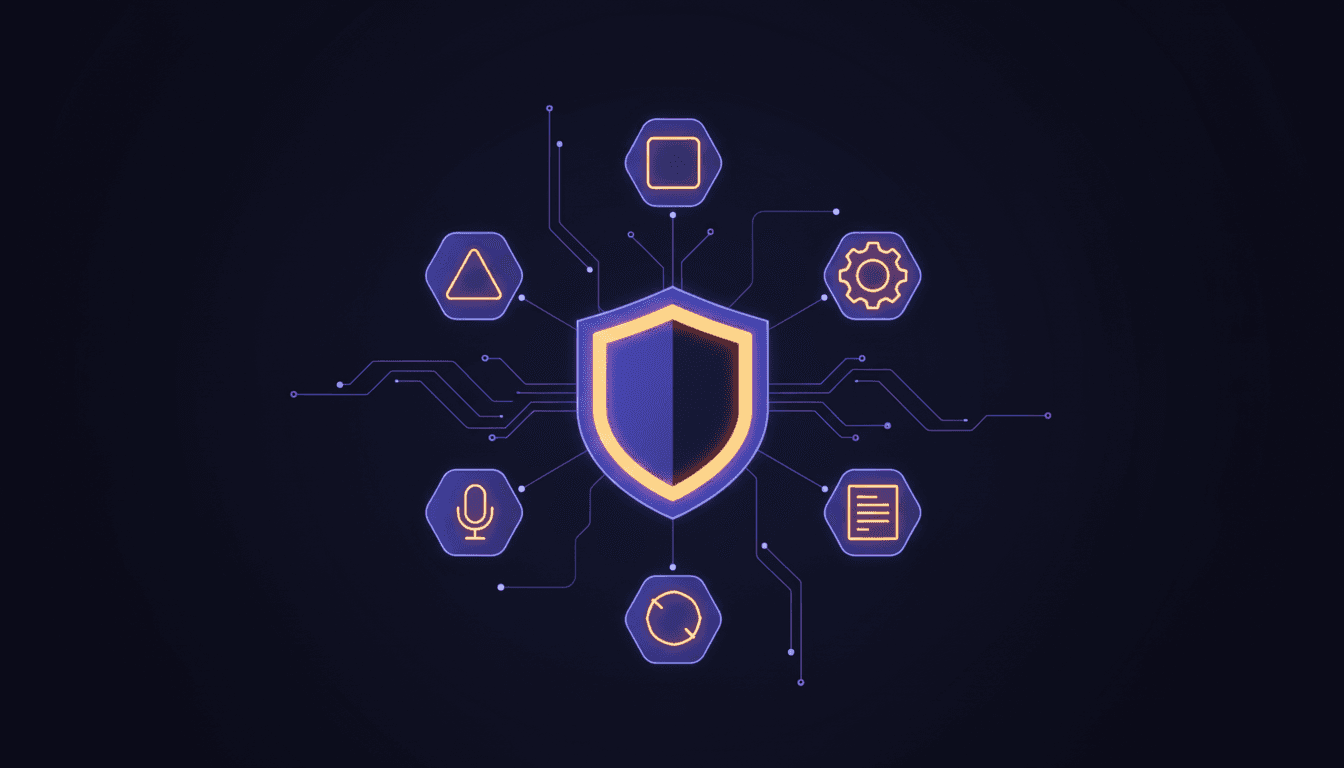
AI-first is an architectural decision, not a marketing claim. Here is what it means technically:
Single AI engine. The same LLM powers chat responses, email drafts, voice conversations, article creation, and categorization. Configuration changes in the dashboard apply everywhere.
Provider flexibility. Choose from Claude, GPT-4/5, DeepSeek, Groq, Gemini, or Kimi as your primary LLM. Set a failover provider. The system switches automatically if the primary is unavailable.
MCP tool integration. The AI accesses 38 tools via the Model Context Protocol — ticket CRUD, KB search, asset lookup, approvals, change requests, and more. These tools work identically across voice, chat, and email.
Cost tracking per request. Every AI interaction is tracked with token counts and cost. The dashboard shows exactly how much AI is costing per tenant, per day, per channel.
What this means for pricing
When AI is an add-on, vendors charge for it separately. Freshdesk charges $29-35/agent/month for Freddy AI. Zendesk charges $50/agent/month for Advanced AI. Intercom charges $0.99 per AI resolution.
Aurion CS includes AI in every plan. The Starter plan at EUR 199/month includes the copilot, voice AI, auto-categorization, article summaries, and every other AI feature. No per-agent AI fees.
The reason is simple: when AI is the foundation, not an add-on, there is nothing to upsell.
What is coming next
AI-first is a starting point, not a destination. The roadmap includes:
- Proactive issue detection — AI monitors conversation patterns and flags emerging issues before they become ticket spikes
- Multi-step workflow automation — AI executes complex procedures autonomously, not just single-tool actions
- Cross-channel conversation continuity — a customer starts on chat, continues by phone, and the AI maintains full context
The foundation is built. Every new feature inherits the AI engine automatically.
Try it
Start with the free tier. Connect your email. Add a phone number. The AI starts working immediately — no configuration, no AI module to enable, no add-on to purchase.
If you are evaluating helpdesks today, the question is not whether you need AI. It is whether you want AI built in or bolted on.
Request a demo to see AI-first in action.
Usein kysytyt kysymykset
- What does AI-first mean for a helpdesk?
- AI-first means every feature was designed with AI at its core — not bolted on as an add-on. The AI copilot, voice agent, knowledge base, inbox, and automation all share the same intelligence layer. There is no separate AI module to purchase or enable.
- Is Aurion CS's AI included in all plans?
- Yes. AI capabilities are included in every plan, including the free tier. There are no per-agent AI add-on fees. The copilot, auto-categorization, article summaries, and voice AI are all part of the platform.
- How does AI-powered article creation work?
- Upload a PDF, DOCX, Markdown, or plain text file. The LLM parses the content, structures it into a knowledge base article with headings and sections, verifies accuracy, and publishes it to your help center. The entire pipeline runs through a primary, failover, and fallback LLM chain.
- Can the AI handle phone calls?
- Yes. The same AI that powers chat and email also answers phone calls with sub-second latency. It authenticates callers, searches the knowledge base, creates tickets, and resolves issues — all during a live voice conversation.
- What LLM providers does Aurion CS support?
- Aurion CS supports Claude (Anthropic), GPT-4/5 (OpenAI), DeepSeek, Groq, Gemini (Google), and Kimi (Moonshot). Administrators choose the primary provider in the dashboard. Failover to a secondary provider happens automatically.